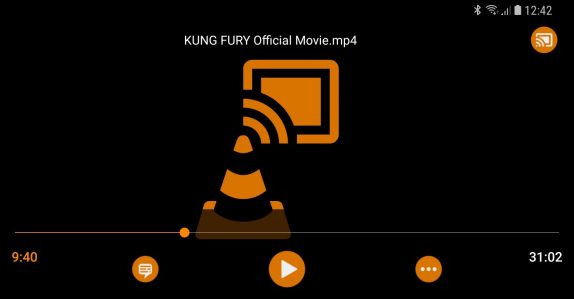
 Back in January VLC V2.9 beta for Android introduced the long-awaited Chromecast support and today the feature is out of beta and is rolling out to the public in V3.0 in addition to other features like the fast seek, playlist files, bug fixes and more. The VLC 3.0 is the first synchronized release between the desktop app and the mobile and we can expect the same to continue from here on. With Chromecast support, you can send it a video or audio media to stream it on a big screen. If the media codecs that you are playing are supported by the Chromecast device, then VLC player will only act as a streaming server, if not, VLC will transcode and stream media, which is highly CPU and battery consuming. The company says that it will work and improve the Chromecast support in the upcoming releases. Apart from Chromecast, VLC is now everywhere including DeX, Chromebooks and Android auto. You can now drop media files on VLC from other applications and use the right click on VLC media to get the context menu. On Android auto, you can use your voice commands to play content while driving and the U.I is very simplified says VLC. It works with Android Assistant on Auto ...
Saturday, 10 February 2018
VLC 3.0 for Android brings Chromecast support, fast seek, playlist files and more
Back in January VLC V2.9 beta for Android introduced the long-awaited Chromecast support and today the feature is out of beta and is rolling out to the public in V3.0 in addition to other features like the fast seek, playlist files, bug fixes and more. The VLC 3.0 is the first synchronized release between the desktop app and the mobile and we can expect the same to continue from here on. With Chromecast support, you can send it a video or audio media to stream it on a big screen. If the media codecs that you are playing are supported by the Chromecast device, then VLC player will only act as a streaming server, if not, VLC will transcode and stream media, which is highly CPU and battery consuming. The company says that it will work and improve the Chromecast support in the upcoming releases. Apart from Chromecast, VLC is now everywhere including DeX, Chromebooks and Android auto. You can now drop media files on VLC from other applications and use the right click on VLC media to get the context menu. On Android auto, you can use your voice commands to play content while driving and the U.I is very simplified says VLC. It works with Android Assistant on Auto ...


-
Here are the social profile links that I have worked on for Backlinks https://docs.google.com/presentation/d/1gAvVQYafqO_jWsSIz3N95Sy3q5KAx...
-
Yi technology, the company which is backed by Xiaomi recently launched products like Yi Home Camera 3, Yi Action Camera, Yi Home Security C...
-
Micromax just launched Bharat GO, the company's first Android Oreo (Go Edition) smartphone in India, in partnership with Airtel. It was...

