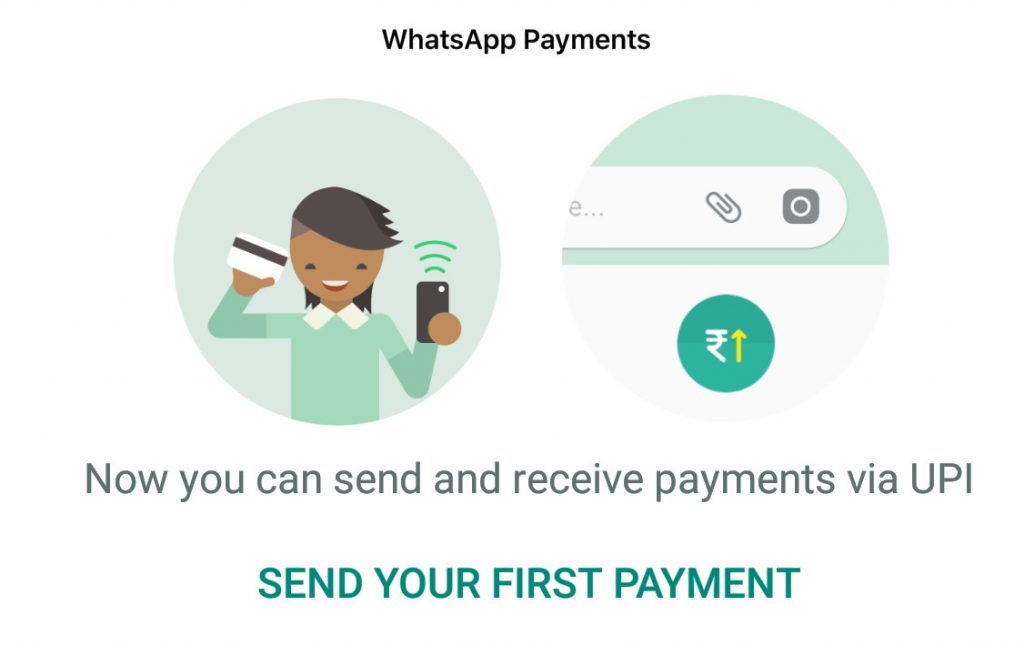
 WhatsApp started rolling out WhatsApp Payments, UPI (Unified Payments Interface)-based payments service for WhatsApp for Android beta as well as iOS users earlier this week. Now it has started rolling out widely for more users on both the platforms. It supports over 70 banks, including Paytm Payments Bank and Airtel Payments. This will take on Google's Tez mobile payments service that was launched last year. Here we can see how to use WhatsApp Payments to send money. Before that, you need to remember that both the sender and receiver need to have the WhatsApp Payment option enabled for a transaction to be made, and also your WhatsApp number needs to be linked to your Bank account. How to send and receive money using WhatsApp Payments [gallery size="large" link="file" ids="243265,243252,243253"] Go to Settings > Payments to set up WhatsApp Payments or Go to a contact and click the Attachment icon next to the text field and select payment (This doesn't work if your friend doesn't have Payments set up) [gallery link="file" size="large" ids="243263,243262,243261"] Now Accept the terms. Verify your phone number and Click Done. Now the Setup is Complete [gallery link="file" size="large" ids="243260,243259,243258"] Add your Bank account from the list if over 70 banks. If you don't have UPI ...
Saturday, 10 February 2018
How to send money using WhatsApp payments
WhatsApp started rolling out WhatsApp Payments, UPI (Unified Payments Interface)-based payments service for WhatsApp for Android beta as well as iOS users earlier this week. Now it has started rolling out widely for more users on both the platforms. It supports over 70 banks, including Paytm Payments Bank and Airtel Payments. This will take on Google's Tez mobile payments service that was launched last year. Here we can see how to use WhatsApp Payments to send money. Before that, you need to remember that both the sender and receiver need to have the WhatsApp Payment option enabled for a transaction to be made, and also your WhatsApp number needs to be linked to your Bank account. How to send and receive money using WhatsApp Payments [gallery size="large" link="file" ids="243265,243252,243253"] Go to Settings > Payments to set up WhatsApp Payments or Go to a contact and click the Attachment icon next to the text field and select payment (This doesn't work if your friend doesn't have Payments set up) [gallery link="file" size="large" ids="243263,243262,243261"] Now Accept the terms. Verify your phone number and Click Done. Now the Setup is Complete [gallery link="file" size="large" ids="243260,243259,243258"] Add your Bank account from the list if over 70 banks. If you don't have UPI ...


-
Here are the social profile links that I have worked on for Backlinks https://docs.google.com/presentation/d/1gAvVQYafqO_jWsSIz3N95Sy3q5KAx...
-
Yi technology, the company which is backed by Xiaomi recently launched products like Yi Home Camera 3, Yi Action Camera, Yi Home Security C...
-
Micromax just launched Bharat GO, the company's first Android Oreo (Go Edition) smartphone in India, in partnership with Airtel. It was...

