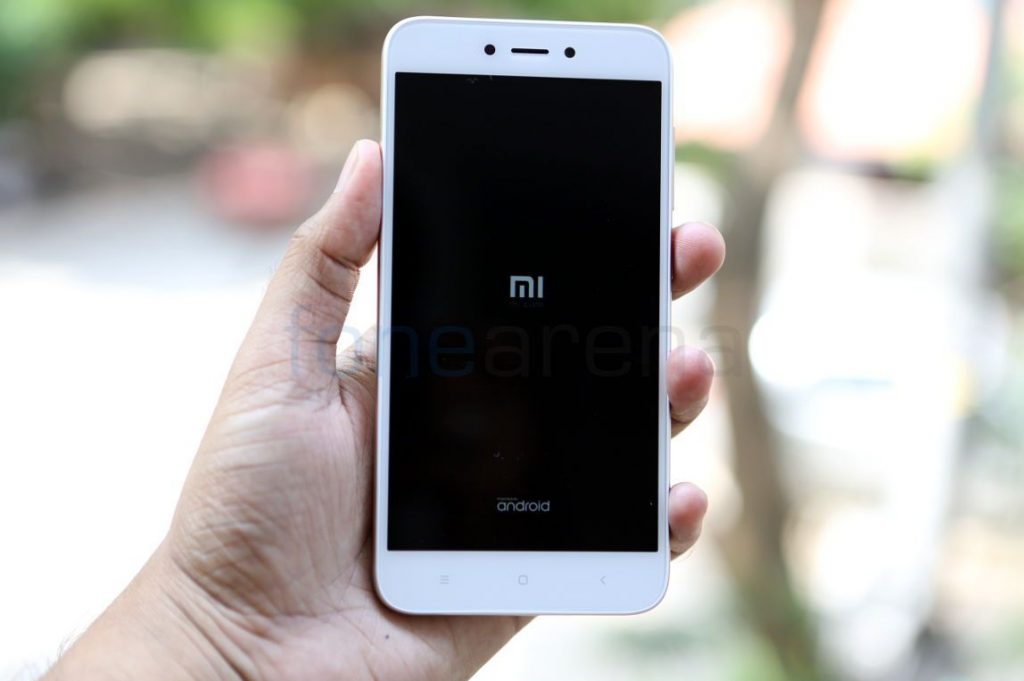
 OEMs pre-load their phones with apps to improve user experience, but not all the pre-loaded apps and features are important to all users or some users have their own preferred app for a particular task, for example, most of the users prefer Inbox by Google and Google Calendar.ver Gmail and Custom Calendar installed by various OEMs. Presence of these unwanted apps don’t only annoy users but also consume system memory and drain the battery. One of the methods to get rid of all such apps is uninstalling them after rooting the phone, but since there are many users who do not wish to root their phones we are writing this post to share a workaround with our readers. Most of the pre-installed apps can neither be uninstalled nor disabled by users if the phone is unrooted, If you use a Xiaomi phone running on MIUI, you can disable some of the pre-installed Gapps and MIUI apps but you won’t get an option to disable these apps if you try to do so via Installed App settings. Follow this guide to Disable the apps you think couldn’t be disabled, Step 1: Download the Activity tracker app from the Google Play Store. [gallery link="file" columns="2" ...
Monday, 11 November 2019
How to disable apps on Xiaomi devices without root
OEMs pre-load their phones with apps to improve user experience, but not all the pre-loaded apps and features are important to all users or some users have their own preferred app for a particular task, for example, most of the users prefer Inbox by Google and Google Calendar.ver Gmail and Custom Calendar installed by various OEMs. Presence of these unwanted apps don’t only annoy users but also consume system memory and drain the battery. One of the methods to get rid of all such apps is uninstalling them after rooting the phone, but since there are many users who do not wish to root their phones we are writing this post to share a workaround with our readers. Most of the pre-installed apps can neither be uninstalled nor disabled by users if the phone is unrooted, If you use a Xiaomi phone running on MIUI, you can disable some of the pre-installed Gapps and MIUI apps but you won’t get an option to disable these apps if you try to do so via Installed App settings. Follow this guide to Disable the apps you think couldn’t be disabled, Step 1: Download the Activity tracker app from the Google Play Store. [gallery link="file" columns="2" ...


-
Here are the social profile links that I have worked on for Backlinks https://docs.google.com/presentation/d/1gAvVQYafqO_jWsSIz3N95Sy3q5KAx...
-
The Optimus L4 II E440 owners may also want to keep their device up-to-date. So we thought of giving you a tutorial of how to upgrade Opt...
-
Vivo launched the vivo V17 smartphone late last year in India with a Super AMOLED display, 32MP in-screen camera, and more. The successor t...
