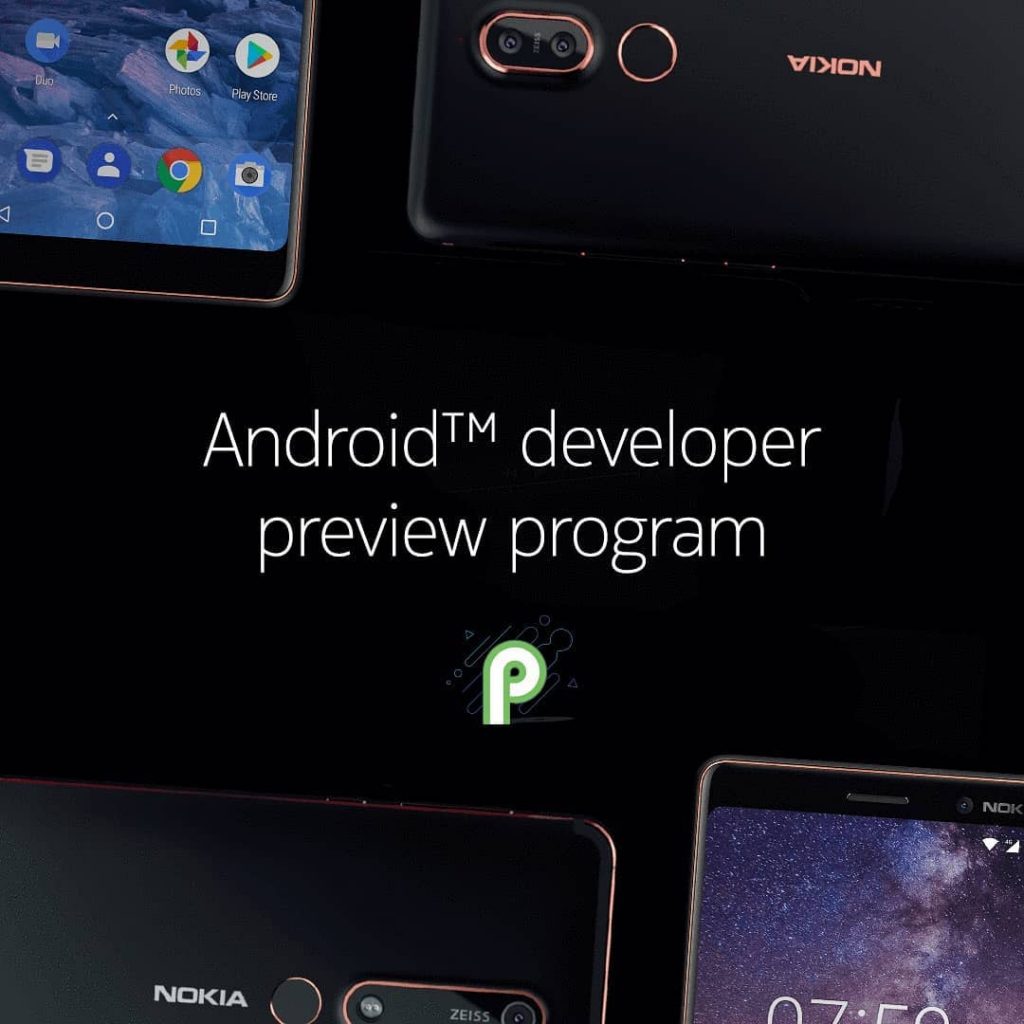
 Few hours back Google released Android P Beta for several smartphones, including Nokia 7 Plus Android One smartphone, making it one of the first smartphones in the world to officially support Android P. Unlike Pixel phones that get Android P beta via over-the-air (OTP), you have manually flash the build. Here is a quick procedure on how to do it. Requirements Nokia 7 Plus (TA-1046 or TA-1055) Nokia 7 Plus Android P Beta / Developer ROM ADB software (For windows) / Android zip file (For Mac) If you are on a Mac you need to Extract the Android zip and place the folder on your Desktop. Open Terminal Type cd Desktop/Android Enter ./ADB-Install-Mac.sh [gallery size="large" link="file" ids="251889,251888,251887"] Go to Nokia Developer page, sign in with your Nokia, Facebook or Google Account, Enter the phone's IMEI, Operator and Country and register the device After the phone has been added successfully, it will display Validation OK Click Install manually, scroll down, tick the check box and click download to download the zip file Enable USB Debugging Type ‘fastboot devices’ in command prompt and check if the device is detected by the system. In command prompt type adb reboot recovery. If it doesn't work, long press the Volume up and Power Button for ...
Wednesday, 9 May 2018
How to install Android P Beta on Nokia 7 Plus
Few hours back Google released Android P Beta for several smartphones, including Nokia 7 Plus Android One smartphone, making it one of the first smartphones in the world to officially support Android P. Unlike Pixel phones that get Android P beta via over-the-air (OTP), you have manually flash the build. Here is a quick procedure on how to do it. Requirements Nokia 7 Plus (TA-1046 or TA-1055) Nokia 7 Plus Android P Beta / Developer ROM ADB software (For windows) / Android zip file (For Mac) If you are on a Mac you need to Extract the Android zip and place the folder on your Desktop. Open Terminal Type cd Desktop/Android Enter ./ADB-Install-Mac.sh [gallery size="large" link="file" ids="251889,251888,251887"] Go to Nokia Developer page, sign in with your Nokia, Facebook or Google Account, Enter the phone's IMEI, Operator and Country and register the device After the phone has been added successfully, it will display Validation OK Click Install manually, scroll down, tick the check box and click download to download the zip file Enable USB Debugging Type ‘fastboot devices’ in command prompt and check if the device is detected by the system. In command prompt type adb reboot recovery. If it doesn't work, long press the Volume up and Power Button for ...


-
Here are the social profile links that I have worked on for Backlinks https://docs.google.com/presentation/d/1gAvVQYafqO_jWsSIz3N95Sy3q5KAx...
-
The Optimus L4 II E440 owners may also want to keep their device up-to-date. So we thought of giving you a tutorial of how to upgrade Opt...
-
Vivo launched the vivo V17 smartphone late last year in India with a Super AMOLED display, 32MP in-screen camera, and more. The successor t...
