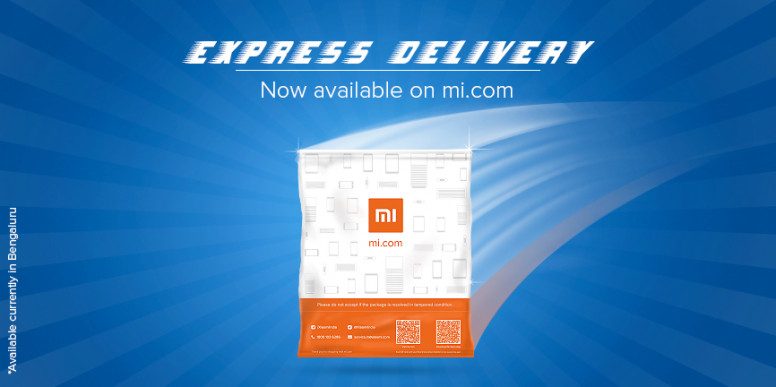
 Xiaomi keeps improving shopping experience on its Mi online store. Back in December it introduced Tez payment support, last month it introduced smart delivery for flexible pick-ups. Today it has launched new Express Delivery service on mi.com and on Mi Store app that offers delivery within a single day for customers in Bengaluru at no additional cost. This is currently available only for select smartphones, and for selected pin codes. Order timings must be between 9:00 AM and 4:30 PM to avail the Express Delivery and the service will not be available on Sundays. Xiaomi also said that order must be pre-paid and the service is not available for cash-on-delivery. The service is currently available for an order consisting one eligible product only. How to use Express Delivery Go to mi.com website or Mi Store app, add the product to the cart On order page, click ‘Delivery Service’, if eligible, you will see the option to select ‘Express Delivery’ If you are on the app, select 'Express Delivery Service' and Confirm Source
Thursday, 8 February 2018
Xiaomi Express Delivery on Mi online store offers free within a day delivery in Bengaluru
Xiaomi keeps improving shopping experience on its Mi online store. Back in December it introduced Tez payment support, last month it introduced smart delivery for flexible pick-ups. Today it has launched new Express Delivery service on mi.com and on Mi Store app that offers delivery within a single day for customers in Bengaluru at no additional cost. This is currently available only for select smartphones, and for selected pin codes. Order timings must be between 9:00 AM and 4:30 PM to avail the Express Delivery and the service will not be available on Sundays. Xiaomi also said that order must be pre-paid and the service is not available for cash-on-delivery. The service is currently available for an order consisting one eligible product only. How to use Express Delivery Go to mi.com website or Mi Store app, add the product to the cart On order page, click ‘Delivery Service’, if eligible, you will see the option to select ‘Express Delivery’ If you are on the app, select 'Express Delivery Service' and Confirm Source

