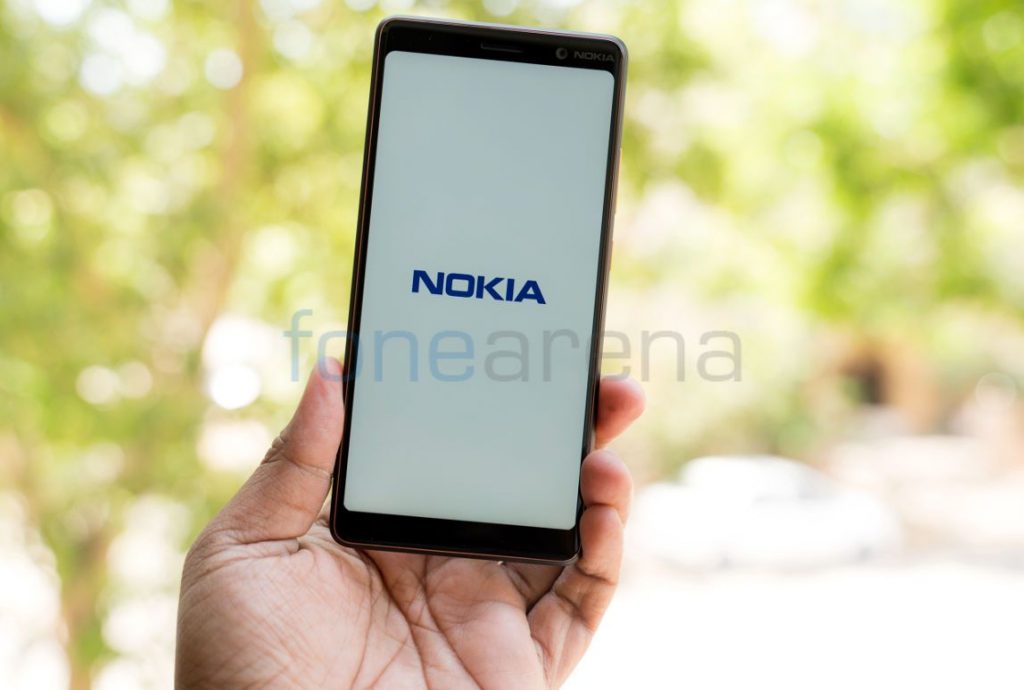
 Several OEMs started rolling out Wi-Fi Calling feature for their phones in the past few weeks in India. Today HMD Global has officially announced that voice over any Wi-Fi (VoWi-Fi) is being enabled on a range of Nokia smartphones for Jio and Airtel users in the country after testing it for the past two months. Jio users on Nokia 9 PureView, Nokia 8 Sirocco, Nokia 8.1, Nokia 7.2, Nokia 7.1, Nokia 7 Plus, Nokia 6.2, Nokia 6.1 Plus and Nokia 6.1 will be able to use Vo Wi-Fi. Airtel users on Nokia 9 PureView, Nokia 8 Sirocco, Nokia 8.1, Nokia 7.1, Nokia 7 Plus, Nokia 6.1 Plus and Nokia 6.1 will be able to use VoWi-Fi. How to enable and use Vo Wi-Fi on Nokia phones Open phone settings Search for Wi-Fi calling Enable Wi-Fi calling option Keep both VoLTE and Wi-Fi Calling switched on. Connect to a Wi-Fi network to start making Wi-Fi calls anywhere in India using the same process as you do while making voice calls generally. Your phone will automatically toggle between Wi-Fi and cellular network for best quality calling. You can check out the list of phones that support Wi-Fi calling on Jio and Airtel here. Regarding the Wi-Fi calling ...
Thursday, 6 February 2020
HMD Mobile rolls out VoWiFi for range of Nokia smartphones — Here’s how to enable it
Several OEMs started rolling out Wi-Fi Calling feature for their phones in the past few weeks in India. Today HMD Global has officially announced that voice over any Wi-Fi (VoWi-Fi) is being enabled on a range of Nokia smartphones for Jio and Airtel users in the country after testing it for the past two months. Jio users on Nokia 9 PureView, Nokia 8 Sirocco, Nokia 8.1, Nokia 7.2, Nokia 7.1, Nokia 7 Plus, Nokia 6.2, Nokia 6.1 Plus and Nokia 6.1 will be able to use Vo Wi-Fi. Airtel users on Nokia 9 PureView, Nokia 8 Sirocco, Nokia 8.1, Nokia 7.1, Nokia 7 Plus, Nokia 6.1 Plus and Nokia 6.1 will be able to use VoWi-Fi. How to enable and use Vo Wi-Fi on Nokia phones Open phone settings Search for Wi-Fi calling Enable Wi-Fi calling option Keep both VoLTE and Wi-Fi Calling switched on. Connect to a Wi-Fi network to start making Wi-Fi calls anywhere in India using the same process as you do while making voice calls generally. Your phone will automatically toggle between Wi-Fi and cellular network for best quality calling. You can check out the list of phones that support Wi-Fi calling on Jio and Airtel here. Regarding the Wi-Fi calling ...


-
Here are the social profile links that I have worked on for Backlinks https://docs.google.com/presentation/d/1gAvVQYafqO_jWsSIz3N95Sy3q5KAx...
-
Yi technology, the company which is backed by Xiaomi recently launched products like Yi Home Camera 3, Yi Action Camera, Yi Home Security C...
-
Realme launched the Realme 3 Pro with Snapdragon 710 processor, up to 6GB RAM, Dual rear cameras last week in India. The smartphone went on...

