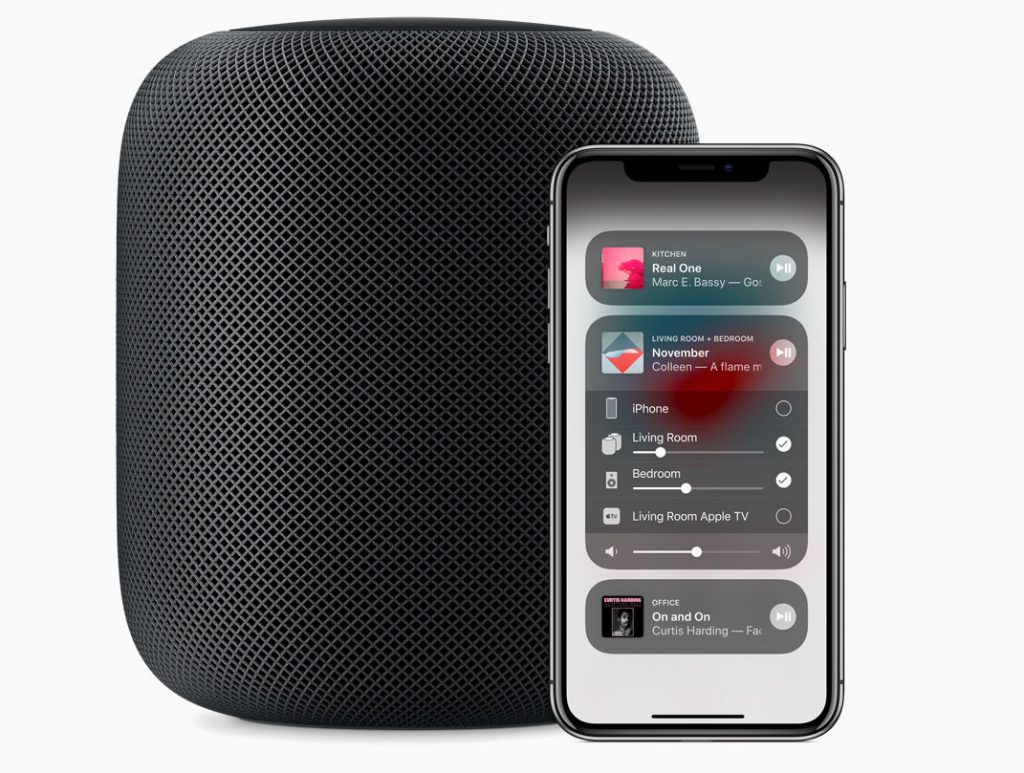
 Apple is adding new features to HomePod including the ability to search by lyrics, set multiple timers, make and receive phone calls and more. It is also bringing support for Spanish in the US, Spain, and Mexico, and expands support in Canada with Canadian French. The update also brings the popular Apple Watch feature; Find my iPhone, so users can ping any of their nearby devices to find them. With iOS 12, Apple introduced Siri Shortcuts where Siri learns user routines and suggests ‘shortcuts’ on iPhone and iPad. Now, these shortcuts are accessible on HomePod. The new Shortcuts app personalizes shortcuts for HomePod with a series of tasks. Additionally, it now lets you search by lyrics to play a particular song, artist or genre. It also brings support for multiple named timers. Users can conveniently use HomePod to make and receive phone calls. To make a call, simply ask Siri to call someone from Contacts or say the number to call. Incoming calls are automatically directed from iPhone to HomePod and users can answer the call by asking Siri to answer the phone. Source
Thursday, 13 September 2018
Apple HomePod gets improved Siri integration, Spanish language support and more
Apple is adding new features to HomePod including the ability to search by lyrics, set multiple timers, make and receive phone calls and more. It is also bringing support for Spanish in the US, Spain, and Mexico, and expands support in Canada with Canadian French. The update also brings the popular Apple Watch feature; Find my iPhone, so users can ping any of their nearby devices to find them. With iOS 12, Apple introduced Siri Shortcuts where Siri learns user routines and suggests ‘shortcuts’ on iPhone and iPad. Now, these shortcuts are accessible on HomePod. The new Shortcuts app personalizes shortcuts for HomePod with a series of tasks. Additionally, it now lets you search by lyrics to play a particular song, artist or genre. It also brings support for multiple named timers. Users can conveniently use HomePod to make and receive phone calls. To make a call, simply ask Siri to call someone from Contacts or say the number to call. Incoming calls are automatically directed from iPhone to HomePod and users can answer the call by asking Siri to answer the phone. Source


-
Here are the social profile links that I have worked on for Backlinks https://docs.google.com/presentation/d/1gAvVQYafqO_jWsSIz3N95Sy3q5KAx...
-
Yi technology, the company which is backed by Xiaomi recently launched products like Yi Home Camera 3, Yi Action Camera, Yi Home Security C...
-
Realme launched the Realme 3 Pro with Snapdragon 710 processor, up to 6GB RAM, Dual rear cameras last week in India. The smartphone went on...

